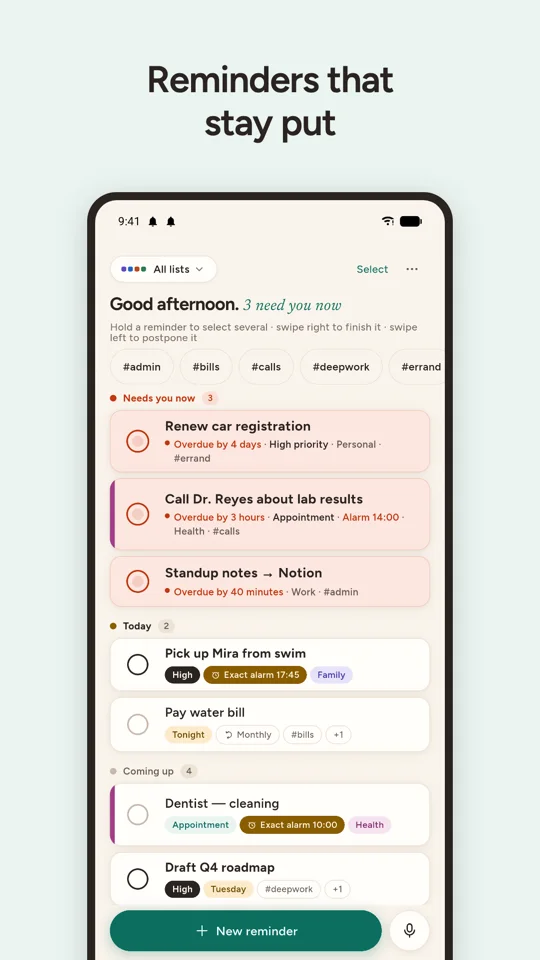
Reminders that stay put until you actually deal with them.
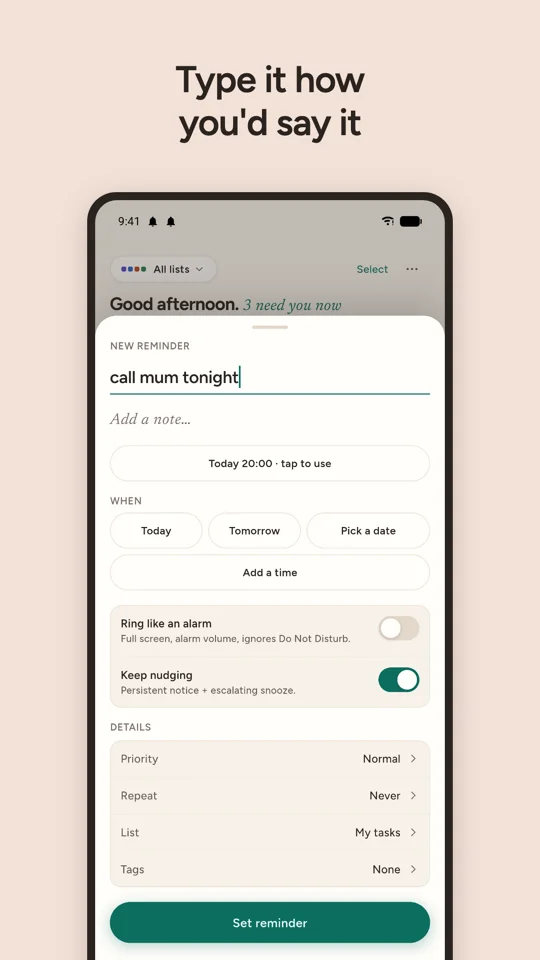
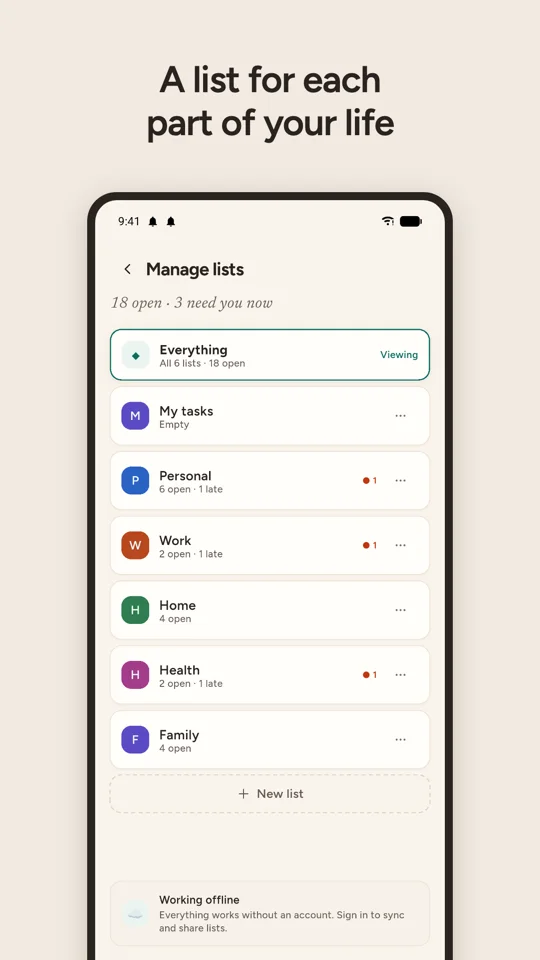
A to-do app built around one problem: you write things down, then forget to check the list.
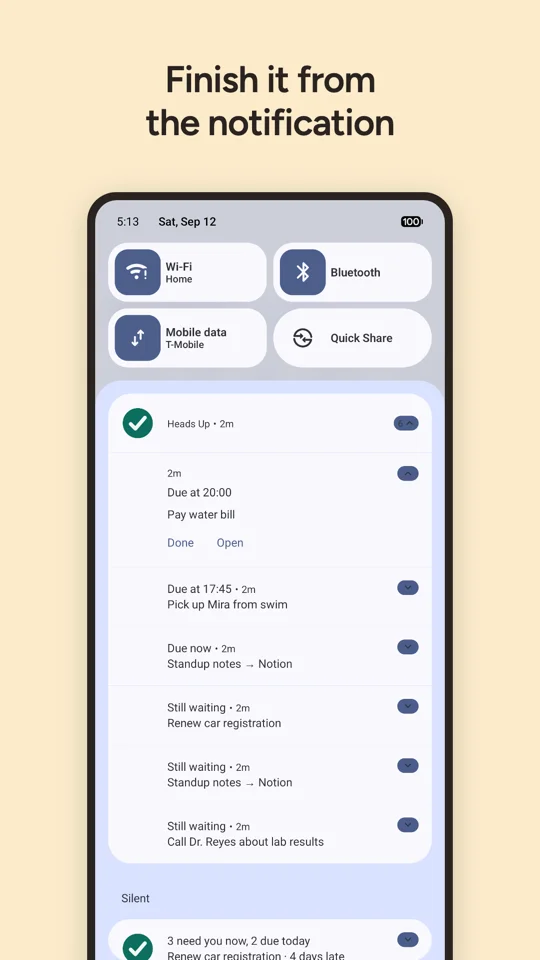
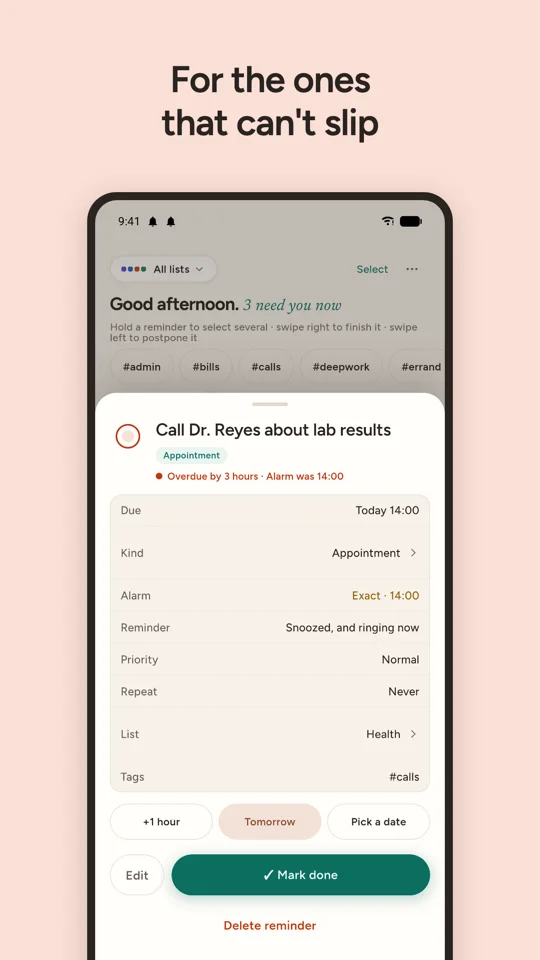
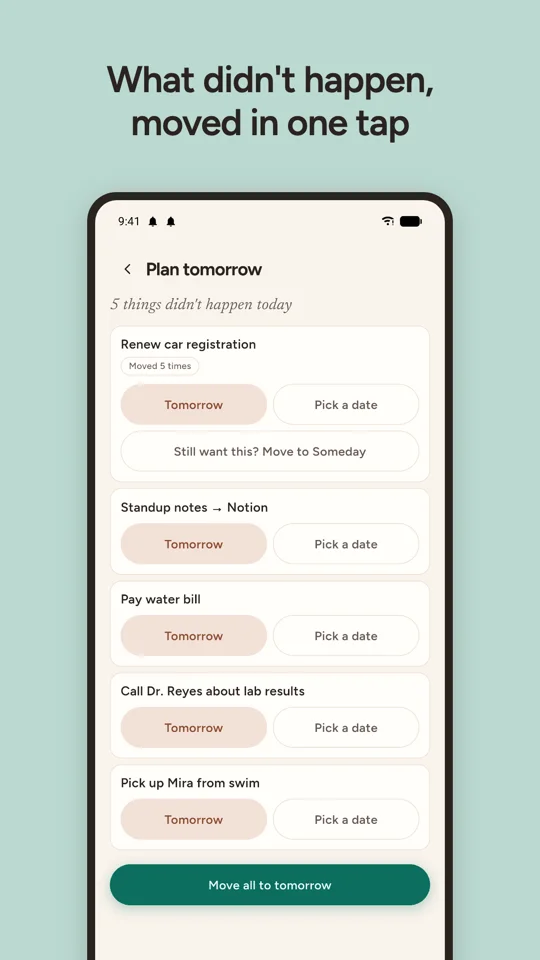
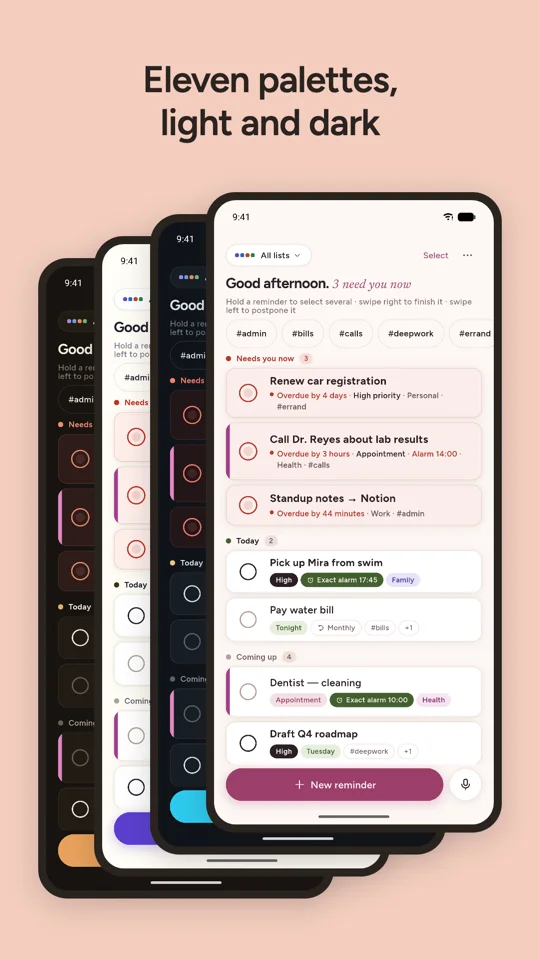
Instead of a list you have to remember to open, Heads Up nudges you — persistent reminders for what's due today, exact-time alarms for things that can't slip, and notifications that stay put until you actually complete or postpone the task.
It doesn't try to be a project management suite. There are no streaks, no scores and no productivity guilt. It says when things are due, and it says when they're late.
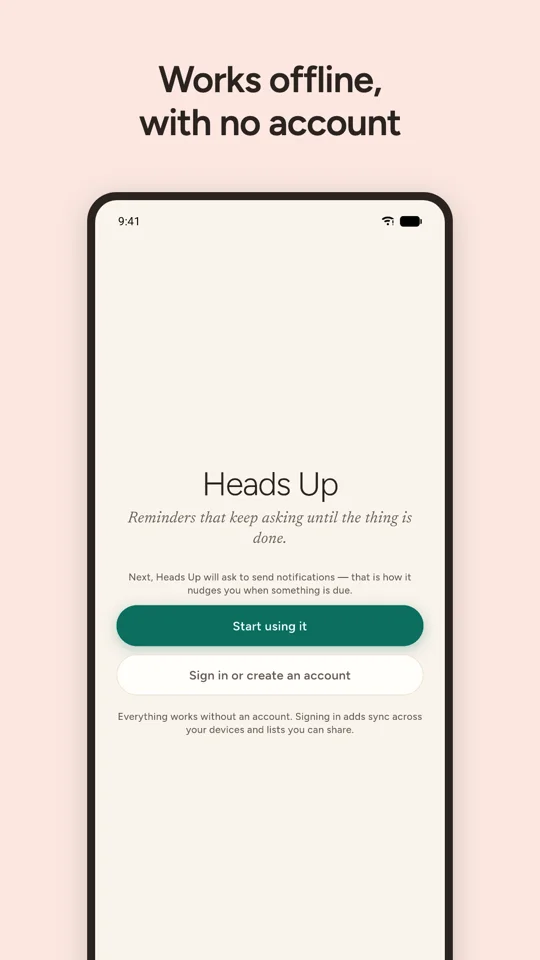
Everything above works with no sign-in and no network. Your reminders are stored on your phone, and nothing is sent anywhere unless you ask it to be. An account is optional, and the only thing it adds is syncing across devices and sharing lists with other people — which is also the point at which your task text starts being stored on a server. The one other thing that ever leaves your phone is a feedback message, if you write one and send it. The privacy policy is specific about both.
Heads Up is free, with no ads and nothing to buy.
It is not on Google Play yet. This page will carry the link the day it goes live. There is deliberately no link here until then: one that opens a page saying the app does not exist is worse than none.
The listing will be at
play.google.com/store/apps/details?id=com.fiftysevenapps.headsup.
The quickest route is inside the app: Settings → Send feedback. It carries the version and permission details that usually explain a missed reminder, so it saves a round of questions — and Settings → Your messages shows you what became of what you sent.
Otherwise, questions, bug reports and complaints all go to [email protected], which is read by the Heads Up team.